Why Your Phone Stalls at 80% — And Your Cheap Charger Is the Prime Suspect
You've seen it a hundred times. Phone hits 80%, charging indicator is still on, but two hours later it's barely nudged to 85%. You swap outlets, try a different cable, maybe even restart the phone. Nothing changes. The internet tells you your battery is degraded. Your phone's settings page hints at "optimized charging." But here's the thing — neither of those explanations is usually the real culprit.
The real issue is almost always a broken conversation between your charger and your phone's power management IC. And if you're running a cheap wall adapter — the kind that came bundled with something else, or that you grabbed from a three-pack on Amazon — you're probably living with this problem right now without realizing it.
The Handshake Your Charger Is Fumbling
Modern smartphones don't just passively sip power from whatever voltage you throw at them. They negotiate. Qualcomm Quick Charge, USB Power Delivery, Apple's proprietary fast-charge spec, Samsung's Adaptive Fast Charging — all of these protocols require a back-and-forth between the charger and the device before higher power levels kick in.
The phone sends a signal. The charger responds with what it can deliver. The phone adjusts its intake accordingly. When this handshake works, you get 25W, 45W, sometimes more. When it fails — or when the charger responds incorrectly — the phone falls back to a conservative baseline, usually somewhere around 5V at 0.5A to 1A. That's USB 2.0 territory. Barely faster than charging from a laptop port.
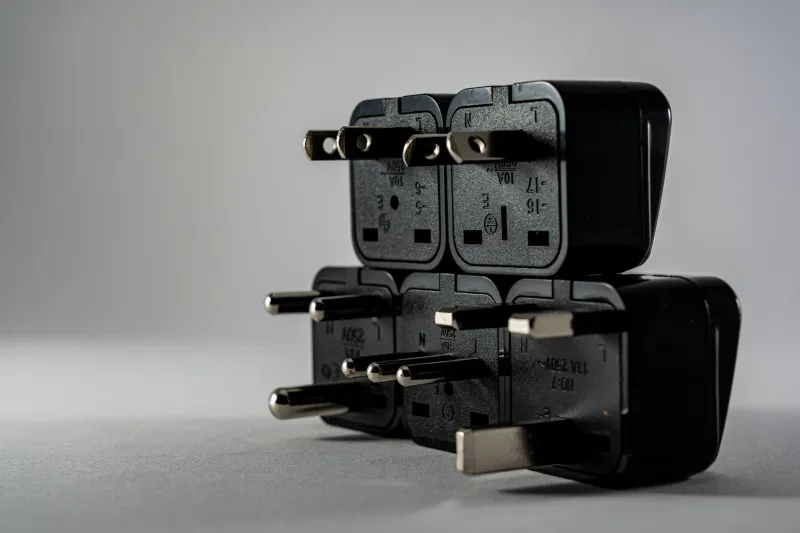
Cheap chargers fail this handshake in a few different ways. Some don't support the protocol at all but advertise wattage numbers based on peak electrical output rather than actual protocol compliance. Others support an older version of Quick Charge that partially satisfies the negotiation but not completely, leaving the phone in a weird middle state. A surprising number will actually start the handshake correctly, then drop voltage under load — which the phone interprets as an unstable supply and throttles back from.
Why 80% Is Such a Common Stopping Point
Here's where it gets more interesting. Even with a perfectly functioning charger, most phones deliberately slow down charging past 75–80% of battery capacity. Lithium cells don't like being slammed to 100% at full current — it degrades them faster and generates heat. So the phone's battery management system shifts from constant-current mode to constant-voltage mode, which inherently delivers less power as the battery fills.
The problem is that this natural slowdown happens to coincide with the point where a flaky charger also starts struggling. As the battery voltage rises, the charger has to work harder to push current in. A cheap unit with poor voltage regulation will start drooping here — sometimes dropping from 9V back toward 5V — which the phone reads as a signal to throttle further. The result looks like a hard stop at 80%, when it's actually a cascade of two separate issues hitting at the same time.
Thermal throttling compounds everything. When a phone has been charging at whatever fast-charge rate it managed to negotiate, the battery, processor, and charging IC all generate heat. Once internal temps hit a threshold (usually around 95–100°F internally), the phone cuts charging current to protect the hardware. Cheap chargers that don't regulate cleanly tend to cause more heat buildup than quality units, so you hit thermal throttling earlier and more aggressively.
Diagnosing the Problem With a Multimeter
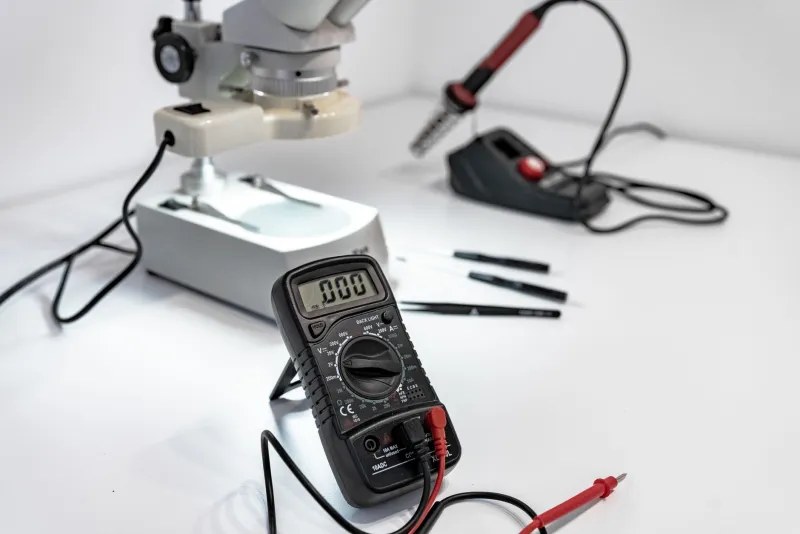
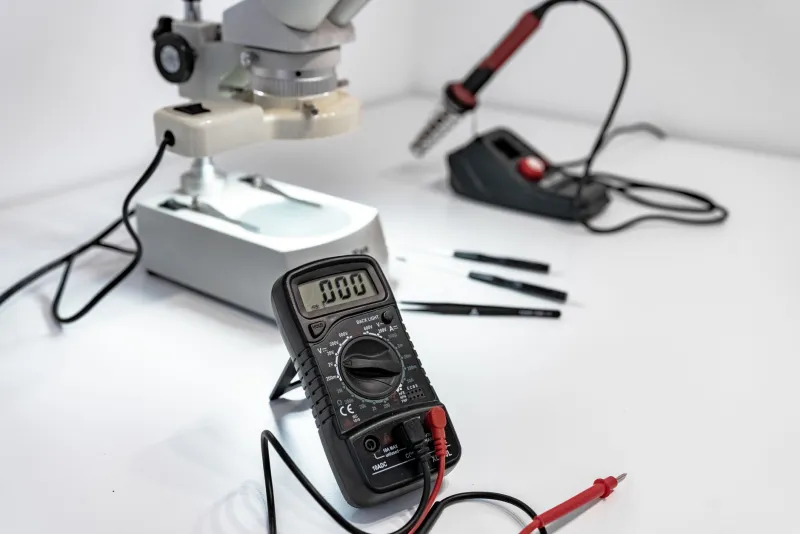
You don't need a USB power meter (though they're useful) to start investigating. A basic multimeter will get you most of the way there.
Step 1: Check your charger's output voltage at rest. Plug the charger in, don't connect a phone, and measure voltage at the USB-A or USB-C output. A healthy 5V charger should read between 4.9V and 5.1V. Anything below 4.8V at no load is already a red flag — under load it'll drop further.
Step 2: Measure under load. Connect your phone (or a resistive load if you have one) and measure again. A drop of more than 0.3V under normal charging load suggests the charger's regulation is weak. If you're seeing 4.5V or lower while the phone is actively charging, you've found your culprit.
Step 3: Watch the voltage over time. This one requires patience. Start with the phone at around 50% and monitor voltage every 15 minutes. If you see the output voltage dip as the phone approaches 80%, the charger is struggling under the increased back-pressure from the nearly-full battery. That dip triggers the phone's safety throttling.
If you do have a USB power meter (the inline kind that shows both voltage and current), clip it between the charger and phone and watch what happens around that 80% mark. You'll often see current drop sharply — sometimes from 1.5A down to 0.2A — right as the voltage sags.
What to Actually Do About It
First, cable quality matters more than most people think. Even with a capable charger, a cable with high resistance will cause voltage drop between the adapter and the phone. Cheap cables — especially long ones — can eat 0.3–0.5V before the power even reaches your device. Use a short, quality cable rated for the current you're pulling. If your cable gets warm during charging, it's wasting energy as heat and starving your phone.
Second, match the protocol to the phone. If you have a Qualcomm-based Android phone, a QC 3.0 or QC 4+ charger will actually negotiate properly. If you have a recent iPhone, you need USB-PD with the right wattage. Using a Quick Charge adapter on an iPhone doesn't hurt anything, but you won't get fast charging — the protocols don't speak the same language.
Third, don't dismiss thermal management. Charging in a cool room, keeping the phone out of direct sunlight, and removing thick cases during charging all reduce heat buildup. Less heat means less throttling, which means faster charging all the way to 100%.
Finally, if you're a maker who's building charging circuits into projects — think Raspberry Pi setups, custom battery packs, portable instruments — understanding this negotiation layer is critical. A buck converter set to 5V won't fast-charge anything. If you want your project to charge a phone quickly, you need a proper USB-PD controller IC in the design, not just a regulated voltage rail.
The Takeaway
That 80% plateau isn't your phone being dramatic. It's the intersection of smart battery management, weak voltage regulation, and failed protocol negotiation — usually with a cheap charger sitting at the center of all three. A multimeter, a few minutes, and a basic understanding of what's supposed to happen during charging is all it takes to figure out where the breakdown is. And in most cases, a better charger that actually speaks your phone's language will solve it completely.